Digital eye strain, often referred to as computer vision syndrome, is a condition that arises from prolonged use of digital devices such as computers, tablets, and smartphones. As our reliance on technology increases, so does the prevalence of this issue. It encompasses a range of visual discomforts and symptoms that can affect anyone who spends significant time in front of screens. While it’s not classified as a serious medical condition, the discomfort it causes can be quite bothersome and may impact daily activities.
The term “digital eye strain” captures the essence of the problem: our eyes are not designed for extended periods of focusing on screens. The blue light emitted by these devices, combined with the need to constantly refocus and blink less frequently, can lead to a variety of symptoms. Understanding this condition is crucial, especially in our increasingly digital world where screen time is often unavoidable.
Symptoms of Digital Eye Strain
The symptoms of digital eye strain can vary widely from person to person, but there are some common experiences that many individuals report. One of the most prevalent symptoms is eye fatigue, which can manifest as a feeling of heaviness or tiredness in the eyes after long hours of screen use. This fatigue can be accompanied by dryness or irritation, making it uncomfortable to keep your eyes open.
In addition to physical discomfort, digital eye strain can also lead to visual disturbances. Many people experience blurred vision or difficulty focusing, especially when transitioning from looking at a screen to viewing objects at a distance. Headaches are another common complaint, often resulting from the strain placed on the eye muscles and the tension that builds up in the neck and shoulders. If you find yourself squinting or rubbing your eyes frequently while using digital devices, it might be a sign that you’re experiencing digital eye strain.
Causes of Digital Eye Strain
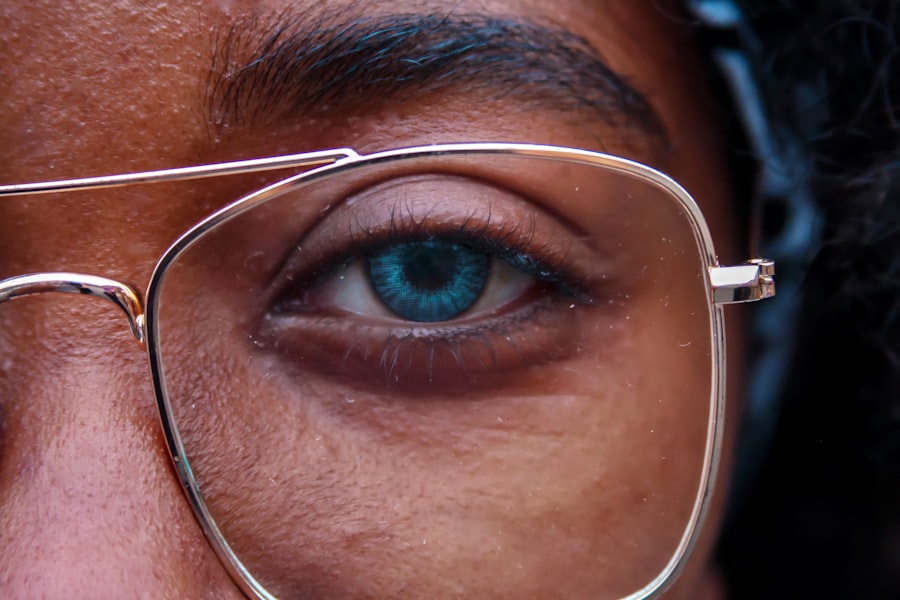
Several factors contribute to the development of digital eye strain, with screen time being the most obvious culprit. The average person spends hours each day staring at screens for work, entertainment, and communication. This extended exposure can lead to discomfort due to the way our eyes interact with digital displays. The glare from screens and the flickering light can also exacerbate the problem.
Another significant factor is poor posture and ergonomics while using devices. Many people tend to hunch over their screens or hold their devices at awkward angles, which can lead to neck and shoulder tension. This tension can further contribute to eye strain as it affects how we position our heads and eyes while looking at screens. Additionally, environmental factors such as inadequate lighting or excessive glare from windows can play a role in increasing discomfort during screen use.
How to Manage Digital Eye Strain

Managing digital eye strain involves a combination of practical strategies and lifestyle adjustments. One effective approach is to implement the 20-20-20 rule: every 20 minutes, take a 20-second break to look at something 20 feet away. This simple practice helps relax the eye muscles and reduces fatigue. It’s a small change that can make a significant difference over time.
Incorporating regular breaks into your routine is essential. Instead of powering through long stretches of screen time, set reminders to step away from your device periodically. Use these breaks to stretch your body, hydrate, or simply close your eyes for a moment. These actions not only help alleviate eye strain but also promote overall well-being during long work sessions.
Tips for Preventing Digital Eye Strain
| Factors | Effects | Management |
|---|---|---|
| Screen Brightness | Eye strain, fatigue | Adjust brightness to comfortable level |
| Blue Light Exposure | Disruption of sleep, eye discomfort | Use blue light filters or glasses |
| Screen Distance | Eye strain, blurred vision | Keep screen at arm’s length |
| Blinking Frequency | Dry eyes, irritation | Take regular breaks to blink and rest eyes |
Preventing digital eye strain starts with being mindful of your screen habits. One effective tip is to adjust your screen settings for comfort. Lowering the brightness and increasing text size can reduce glare and make reading easier on the eyes. Additionally, consider using blue light filters or glasses designed to block blue light emissions from screens.
Creating an ergonomic workspace is another key factor in prevention. Ensure that your monitor is positioned at eye level and about an arm’s length away from your face. This setup encourages a more natural posture and reduces strain on your neck and eyes. If you work in an environment with harsh lighting, try using softer light sources or desk lamps that provide adequate illumination without causing glare on your screen.
Importance of Taking Breaks
Taking breaks is not just a suggestion; it’s a necessity for maintaining eye health in our digital age. Continuous screen time can lead to cumulative fatigue, making it harder for your eyes to recover from strain. Regular breaks allow your eyes to rest and reset, reducing the risk of developing more severe symptoms over time.
Moreover, breaks provide an opportunity to engage in other activities that promote overall well-being. Whether it’s stepping outside for fresh air or doing some light stretching, these moments away from screens can enhance productivity and focus when you return to your tasks. Remember, your eyes need time to recharge just like any other part of your body.
Proper Lighting and Ergonomics
Proper lighting plays a crucial role in reducing digital eye strain. Ideally, your workspace should have balanced lighting that minimizes glare on your screen while providing enough illumination for reading documents or other tasks. Natural light is often the best option; however, if that’s not possible, consider using adjustable desk lamps that allow you to control brightness levels.
Ergonomics also significantly impacts how we interact with our screens. A well-designed workspace should promote good posture and comfort. Invest in an adjustable chair that supports your back and allows you to sit at an appropriate height relative to your desk. Your monitor should be positioned so that you’re looking slightly downward at it, which helps reduce neck strain and encourages a more relaxed eye position.
When to Seek Professional Help
While many cases of digital eye strain can be managed with simple lifestyle changes, there are times when professional help may be necessary. If you find that your symptoms persist despite making adjustments or if they worsen over time, it’s wise to consult an eye care professional. They can conduct a thorough examination to rule out any underlying conditions and provide tailored recommendations for managing your symptoms.
Additionally, if you experience severe headaches, persistent blurred vision, or any other concerning symptoms that interfere with daily activities, don’t hesitate to seek help. Early intervention can prevent more serious issues down the line and ensure that you maintain optimal eye health in our increasingly digital world.
In conclusion, digital eye strain is a common issue in today’s technology-driven society, but it doesn’t have to disrupt your life. By understanding its symptoms and causes, implementing effective management strategies, and prioritizing preventive measures, you can protect your eyes and enhance your overall well-being while navigating the digital landscape.
FAQs
What is digital eye strain?
Digital eye strain, also known as computer vision syndrome, is a group of eye and vision-related problems that result from prolonged use of digital devices such as computers, tablets, and smartphones.
What are the symptoms of digital eye strain?
Symptoms of digital eye strain include eyestrain, headaches, blurred vision, dry eyes, and neck and shoulder pain. These symptoms can be exacerbated by poor lighting, glare, and improper viewing distances.
How can digital eye strain be managed?
Digital eye strain can be managed by following the 20-20-20 rule, which involves taking a 20-second break to look at something 20 feet away every 20 minutes. Additionally, adjusting the lighting, reducing glare, and using proper ergonomics can help alleviate symptoms.
Can blue light from digital devices contribute to digital eye strain?
Exposure to blue light from digital devices has been linked to digital eye strain. Blue light can disrupt the body’s natural sleep-wake cycle and cause digital eye strain symptoms. Using blue light filters or glasses can help reduce the impact of blue light on the eyes.
When should I see a doctor for digital eye strain?
If symptoms of digital eye strain persist despite taking preventive measures, it is important to see an eye care professional for a comprehensive eye exam. The doctor can provide personalized recommendations and treatment options to manage digital eye strain.